Search First or Paste a Link
Start from a keyword, title, creator, or direct video link. Lysave helps you move from discovery to download without switching tools.
Search by keyword or paste a link to save videos and audio for offline study, personal reference, and approved use.
Download responsibly. Ensure you have the right permissions.This service is an independent tool and is not affiliated with, endorsed by, or sponsored by YouTube or any other third-party platforms.Users are solely responsible for ensuring that their use of this service complies with all applicable laws, regulations, and platform terms, including copyright laws in their jurisdiction.This service is intended only for content that is owned by the user, is in the public domain, or is otherwise authorized for offline access or download. Unauthorized use of copyrighted material may violate applicable laws.By using this service, you acknowledge and accept full responsibility for your actions and usage.
Start from a keyword, title, creator, or direct video link. Lysave helps you move from discovery to download without switching tools.
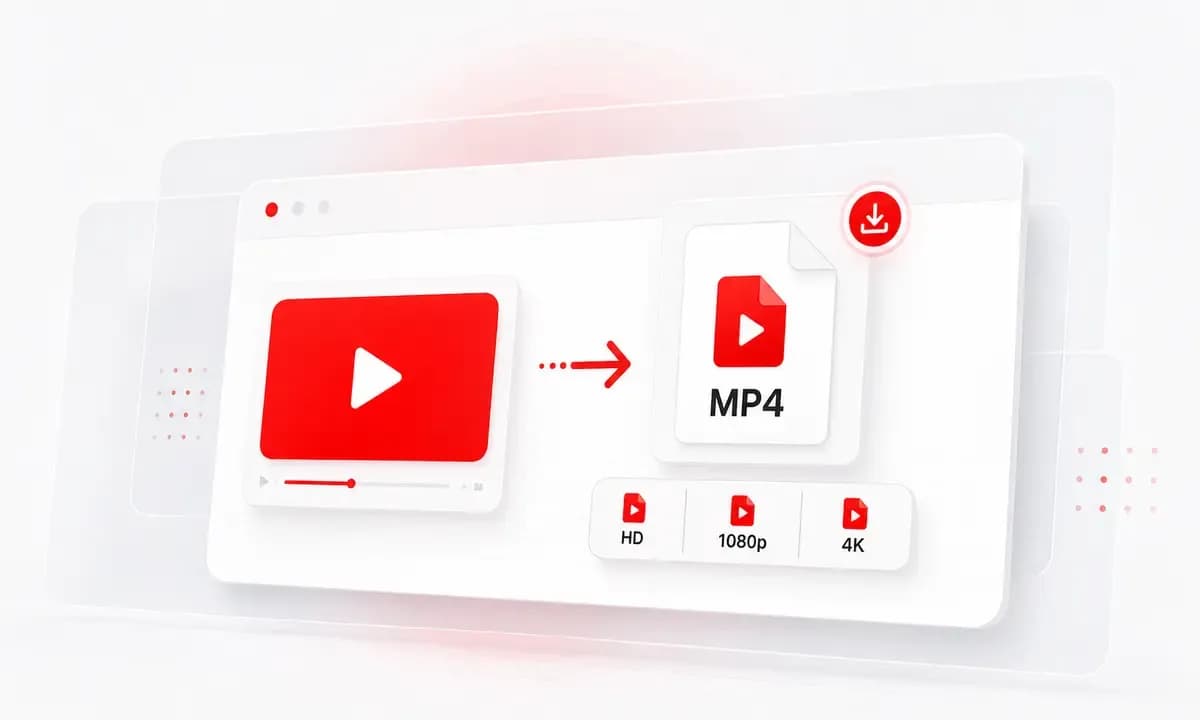
Save available YouTube videos as MP4, or choose MP3 and M4A audio options for selected videos when supported.
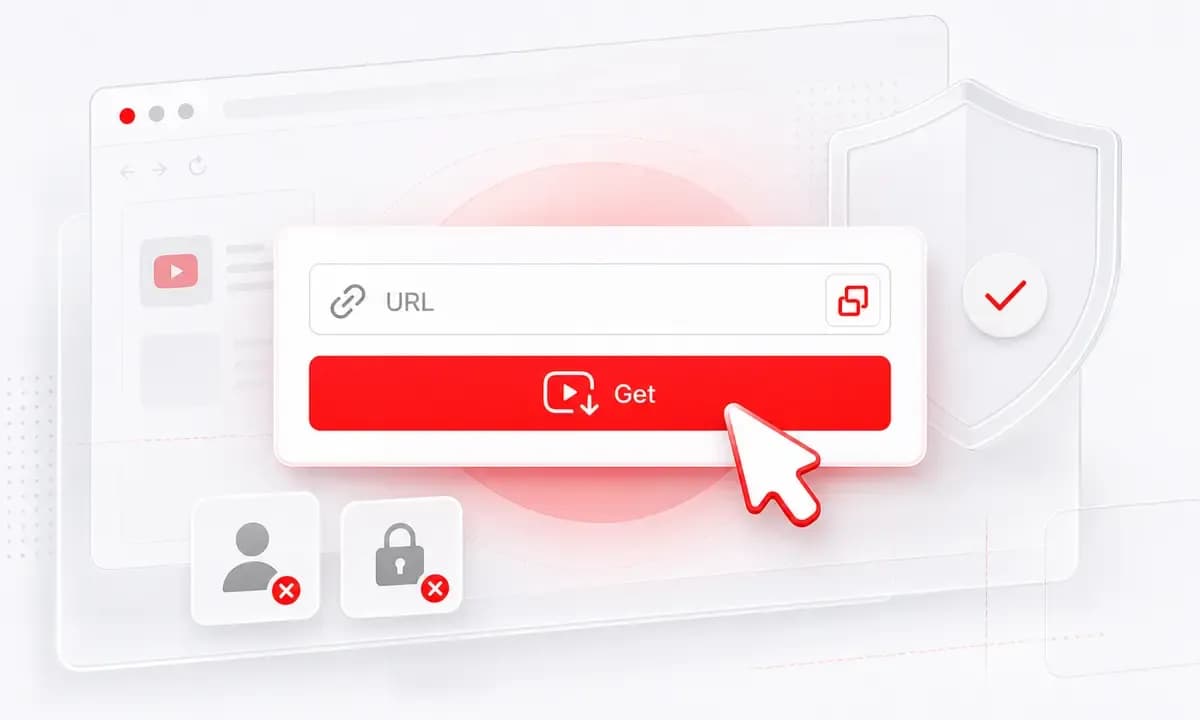
Use Lysave for study, personal reference, your own uploads, public-domain content, and other permitted offline saves.
Why choose Lysave?
Built for focused YouTube tools today, with more approved-download workflows coming next.

Start with the YouTube downloader, YouTube to MP4, audio saving, Shorts, HD, and 4K workflows from one clean place.

Search or paste a link, process the video, and choose an available format without hidden fees or subscriptions.

Lysave keeps the experience simple and browser-based, so you can save permitted content without extra app setup.
The homepage is ready for future approved-download tools, including Instagram video saving when support is available.
Supported tools
Choose a focused tool for the format you need, or use the homepage search bar as your starting point.

Search or paste a YouTube link to download available videos as MP4, with MP3 or M4A audio options when supported.

Save available YouTube videos as MP4 files for offline study, approved reference, or personal viewing.

Extract audio from selected YouTube videos for offline lessons, talks, tutorials, and permitted listening.

Save supported Shorts as available MP4 files when you own the content or have permission to keep it offline.

Choose HD, 1080p, or 4K MP4 options when the original YouTube video provides those qualities.

A future tool for saving approved Instagram videos for personal reference and offline access when supported.
How to
Search from the homepage, or paste a direct YouTube link when you already have one.
Type a video title, creator, artist, or topic into the homepage search bar.
Select the matching YouTube video or tool workflow from the available results.
Choose an available video or audio option, then download responsibly.
Copy a public YouTube link that you are allowed to save.
Paste the link into the homepage input and click Get Video.
Select MP4, MP3, or M4A when those options are available.
Download responsibly. Only save content you own, public-domain content, or content you have permission to download.
Use Lysave for study, reference, creative review, and permitted personal saves.
Save permitted lessons, tutorials, lectures, and course videos for offline study or classroom preparation.
Download your own uploads or approved reference material for editing notes, archiving, and campaign planning.
Keep permitted videos or audio available for travel, commuting, low-data moments, or personal offline viewing.
Collect public-domain speeches, interviews, talks, or approved source material for review and citation.
What users say
People use Lysave when they need one simple place to search, process, and save available content.
“I use the homepage search when I need a permitted lecture offline. It is faster than jumping between different tools.”
Maya C.Student
“Lysave makes it easy to keep MP4 copies of my own uploads for edits, backups, and planning.”
Daniel R.Video creator
“The format choices are clear. When audio is available, MP3 or M4A works well for long talks and interviews.”
Sofia M.Research assistant
“The homepage gives me a clean starting point for approved reference videos before travel or low-data work.”
Arjun P.Marketing analyst
FAQ
Quick answers about Lysave tools, formats, quality, devices, and responsible downloads.
You can search by keyword or paste a video link to start a supported download workflow, beginning with YouTube tools.
Lysave currently focuses on YouTube downloading, including MP4 video downloads and selected MP3 or M4A audio options.
Yes. You can save available YouTube videos as MP4 files when the video is supported and you have permission to download it.
For selected YouTube videos, audio options may be available as MP3 or M4A. Audio is not guaranteed for every video.
The homepage is designed for more tools over time. Instagram video downloading is shown as a future workflow when support is available.
Yes. Lysave works in modern mobile browsers on iPhone, iPad, Android phones, and tablets.
Some videos may be private, restricted, region-limited, live-only, unavailable, or unsupported.
Only download content you own, public-domain content, or content you have permission to save. Always respect copyright and platform terms.