Convert Video to Audio Online
Paste a supported video link and check whether Lysave can provide an MP3 or M4A audio option.
Convert supported online videos to MP3 audio when an audio download option is available.
Download responsibly. Ensure you have the right permissions.This service is an independent tool and is not affiliated with, endorsed by, or sponsored by YouTube or any other third-party platforms.Users are solely responsible for ensuring that their use of this service complies with all applicable laws, regulations, and platform terms, including copyright laws in their jurisdiction.This service is intended only for content that is owned by the user, is in the public domain, or is otherwise authorized for offline access or download. Unauthorized use of copyrighted material may violate applicable laws.By using this service, you acknowledge and accept full responsibility for your actions and usage.
Use Lysave when your video-to-audio task starts from a supported online video, especially YouTube links.
Paste a supported video link and check whether Lysave can provide an MP3 or M4A audio option.
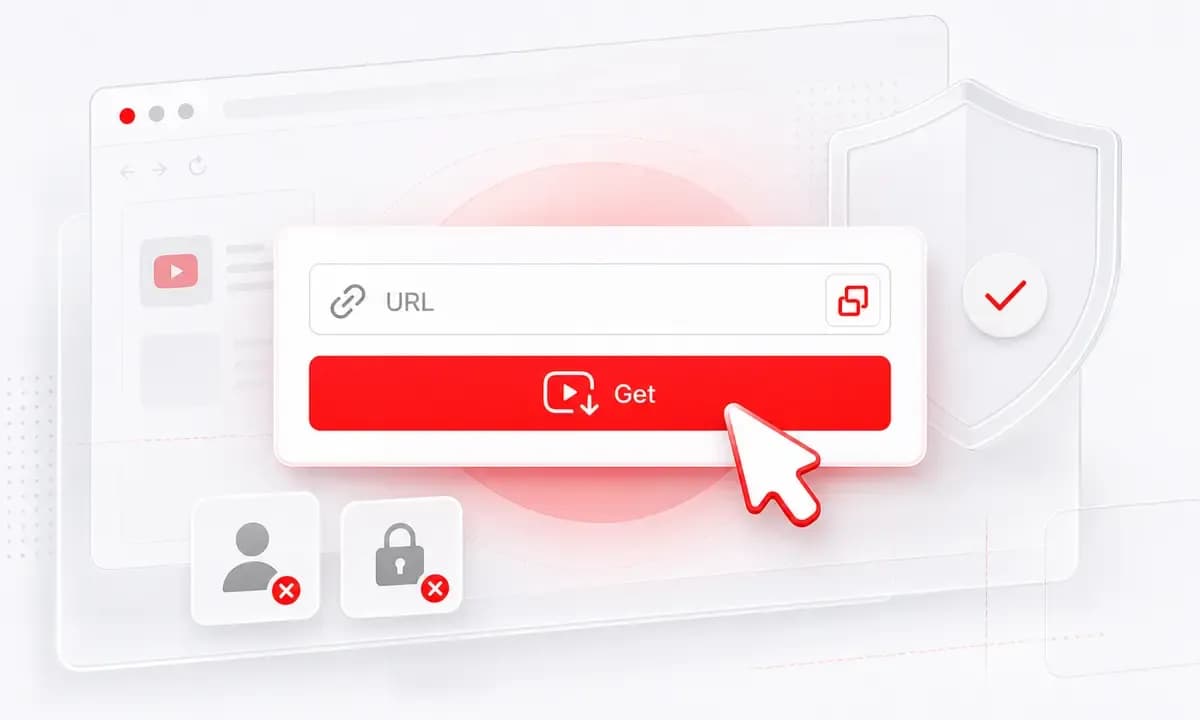
The workflow is link-based. You do not upload a local video file or install freeware conversion software.
Find a public YouTube video by keyword, title, creator, artist, or topic before choosing an available audio file.
Why choose Lysave?
This page targets users who want online video audio, while staying accurate about what Lysave supports today.

Open Lysave, paste or search, process the source, and download an available audio file without extra setup.

Save approved lectures, tutorials, interviews, webinars, and your own video uploads for offline listening.

Lysave shows MP3 or M4A only when audio is available, so the download options stay transparent.

The copy and workflow emphasize content you own, public-domain material, and downloads you have permission to make.
Features
Built around supported online sources, not a generic local-file transcoder.

Use a browser-based flow for supported online videos instead of downloading a separate converter program.

Lysave is primarily built for YouTube links and YouTube search, with audio options for selected videos.

Download MP3 or M4A when those audio formats appear after processing the source video.

Use the video to MP3 converter on Mac, Windows, iPhone, iPad, Android, and tablets.

Process supported links in Chrome, Safari, or another modern browser without adding a browser extension.

Private, restricted, region-limited, live-only, unavailable, or unsupported videos may not produce audio downloads.
These illustrated steps describe the supported Lysave link workflow for video-to-audio downloads.
Paste a supported online video link, or search YouTube by keyword if you do not have the exact URL.
Click Get Video and wait for Lysave to show the download formats it can provide for that source.
Choose MP3 or M4A when available, then download only content you are allowed to keep offline.
Best for users who want audio from permitted online videos, not bulk local file conversion.
Listen to approved tutorials, lectures, and study videos while commuting or working offline.
Extract audio from public-domain or permission-granted talks and interviews for review notes.
Keep audio from your own published videos for edits, clips, backups, and production planning.
Save approved webinars, explainers, and training material for low-data or travel situations.
Reviews
The most useful feedback centers on clarity: users know when audio is available and when it is not.
"I needed audio from an approved tutorial, and the link-based flow was quicker than installing software."
Nora L.Graduate student
"For my own video uploads, Lysave helps me grab an audio copy without a separate desktop converter."
Ethan P.Podcast editor
"I like that it does not pretend every video can become MP3. The available options are clear."
Priya S.Researcher
"It is useful for permitted training videos before a flight, especially from a mobile browser."
Marco D.Training manager
FAQ
Important details about supported links, local files, formats, devices, and responsible downloading.
Lysave can provide MP3 or M4A for selected supported online videos, especially YouTube videos, when audio options are available.
No. Lysave is not a local file upload converter. It works from supported online video links and search results.
If the MP4 is a supported online video source and Lysave can process it, audio options may appear. Local MP4 upload is not supported.
Both are audio formats. Lysave may show either format depending on the source video and available processing options.
The video may be private, restricted, region-limited, live-only, unavailable, unsupported, or not exposing an audio option Lysave can provide.
No. For supported online links, Lysave runs in the browser and does not require desktop freeware or an extension.
Only save content you own, public-domain content, or content you have permission to download. Respect copyright and platform terms.
Yes. Lysave works in modern mobile browsers on iPhone, iPad, Android phones, and tablets.