Save Videos You Are Allowed to Keep
Lysave gives "YouTube ripper" searches a cleaner, permission-first path: process a public link or result, then save only authorized content.
Save permitted YouTube videos online as available MP4 files. Free, fast, and no signup.
Download responsibly. Ensure you have the right permissions.This service is an independent tool and is not affiliated with, endorsed by, or sponsored by YouTube or any other third-party platforms.Users are solely responsible for ensuring that their use of this service complies with all applicable laws, regulations, and platform terms, including copyright laws in their jurisdiction.This service is intended only for content that is owned by the user, is in the public domain, or is otherwise authorized for offline access or download. Unauthorized use of copyrighted material may violate applicable laws.By using this service, you acknowledge and accept full responsibility for your actions and usage.
Lysave gives "YouTube ripper" searches a cleaner, permission-first path: process a public link or result, then save only authorized content.
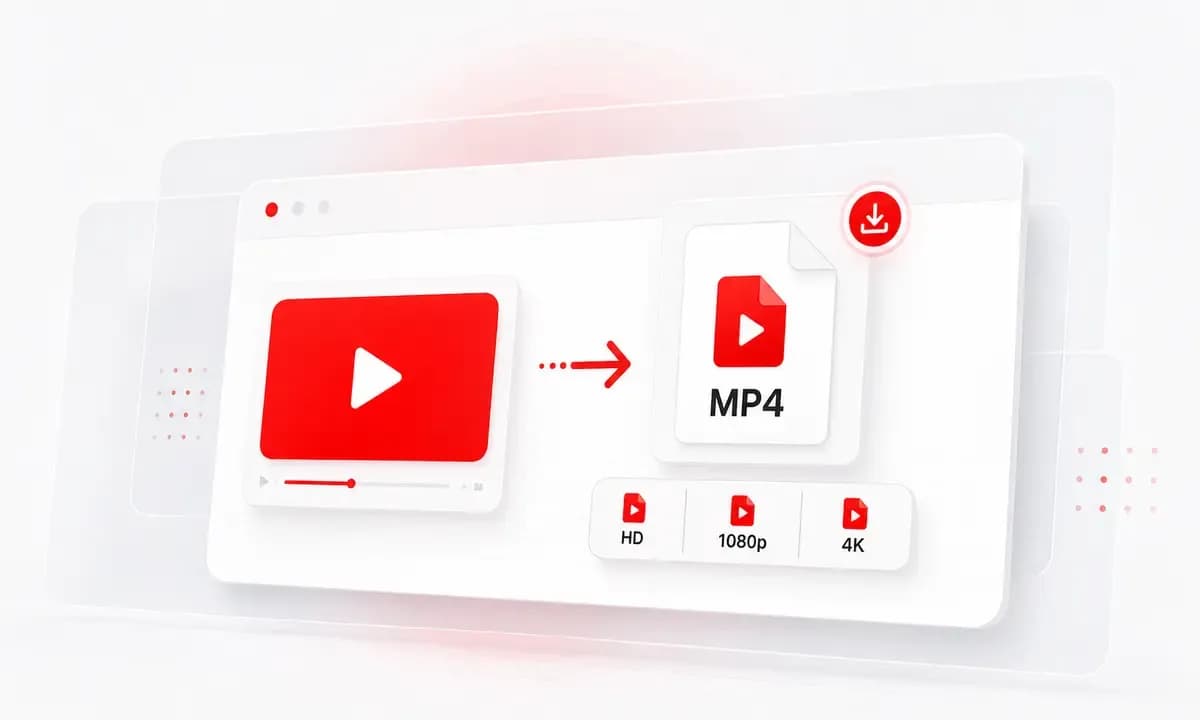
Download available videos as MP4. For selected videos, Lysave may also show MP3 or M4A audio options.
No desktop ripper software is required. Open Lysave in a modern browser, paste or search, and choose from the available options.
Why choose Lysave?
A focused downloader experience for this specific YouTube saving task.

The product reminds users to save only content they own, public-domain material, or videos they are authorized to download.

Rip from YouTube by pasting a link, or search first when you only remember the title, creator, artist, or topic.

Lysave keeps the output understandable: MP4 for video, with MP3 or M4A audio options only when available.

The tool does not ask for an account or email before you start processing a video.
Features
Search, process, choose an available format, and download without installing anything.

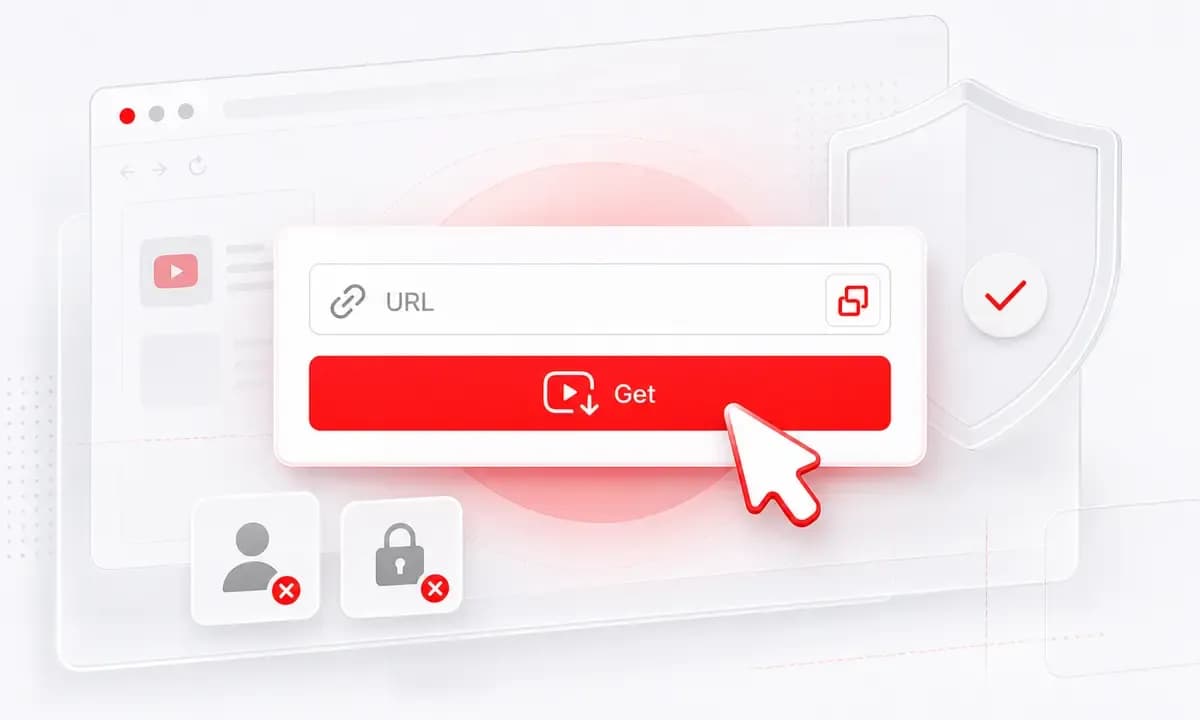
Paste a YouTube link, click Get Video, and choose an available MP4 file when the video can be processed.
Use built-in search for titles, creators, artists, and topics instead of hunting for the exact URL in another tab.

For selected videos, Lysave may show MP3 or M4A options. This is useful for permitted talks, lectures, or your own uploads.

Available resolution choices can include SD, HD, 1080p, or 4K MP4, depending on what the original video supports.

The workflow is written for authorized downloads, your own uploads, and public-domain material.
Use the YouTube ripper flow online without adding a browser extension.
How to
Start with a direct YouTube link, or search inside Lysave when you do not have the URL.
Copy a public video link that you own or have permission to keep offline.
Paste the URL and click Get Video.
Select an available MP4, MP3, or M4A option and download.
Use a video title, artist, creator, or topic.
Pick the matching result from Lysave.
Choose an available format and save the file only if you have permission.
Lysave is independent and is not affiliated with, endorsed by, or sponsored by YouTube.
Use Lysave for personal, educational, creative, and permitted offline access.
Rip your own YouTube uploads into MP4 files for backup, editing notes, or archive folders.
Save public-domain lectures, interviews, speeches, or clips for offline review and citation.
Download approved training videos, campaign references, or creator-provided files for internal review.
Keep permitted videos available when traveling, commuting, or working with limited connectivity.
What our users say
People use Lysave when they need a simple way to search, process, and save available YouTube content.
"I searched for a YouTube ripper but wanted something cleaner. Lysave makes the permission reminder clear before I save anything."
Victor N.Analyst
"For my own uploads, it is a quick way to get an MP4 copy without opening a separate app."
Hannah G.Creator
"The search flow helps when I need an approved reference clip and only remember the title."
Omar F.Research assistant
"I like that audio is not overpromised. It appears only when the selected video supports it."
Claire J.Educator
FAQ
Quick answers about formats, quality, devices, availability, and responsible downloads.
Here it means saving available YouTube video or audio files through Lysave for content you own, public-domain material, or content you have permission to download.
Yes, when the selected video is supported and available, Lysave can show MP4 download options.
For selected videos, Lysave may provide MP3 or M4A options. Audio downloads are not guaranteed for every video.
No. Lysave works online in a modern browser and does not require a desktop program, app, or extension.
The video may be private, restricted, region-limited, live-only, unavailable, or unsupported by the current flow.
Use this workflow only for your own videos, public-domain material, or content you are authorized to download. Copyright and platform terms still apply.
Yes. Lysave works in modern mobile browsers on iPhone, iPad, Android phones, and tablets.
No. Lysave is an independent tool and is not endorsed by or sponsored by YouTube.