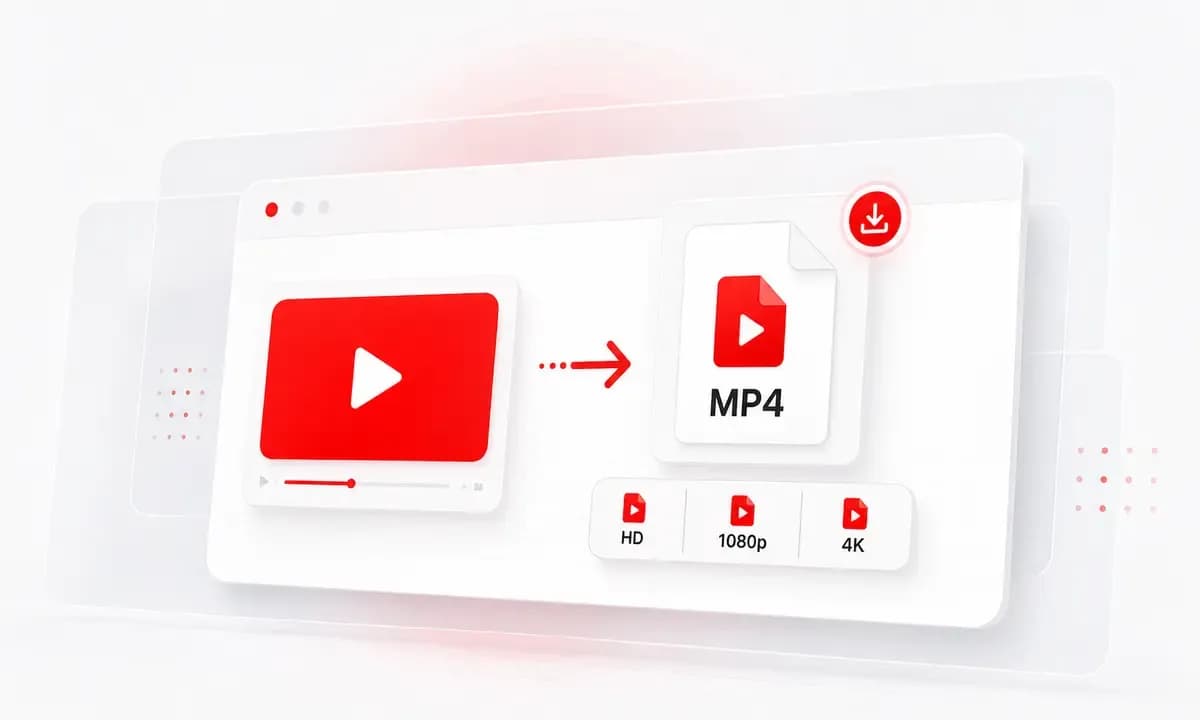
Save Short Videos Quickly
Shorts move fast. Lysave gives you a simple way to paste a Shorts link or search by keyword and save an available video for permitted offline access.
Download YouTube Shorts online when available. Free, no signup, and works on phone or desktop.
Download responsibly. Ensure you have the right permissions.This service is an independent tool and is not affiliated with, endorsed by, or sponsored by YouTube or any other third-party platforms.Users are solely responsible for ensuring that their use of this service complies with all applicable laws, regulations, and platform terms, including copyright laws in their jurisdiction.This service is intended only for content that is owned by the user, is in the public domain, or is otherwise authorized for offline access or download. Unauthorized use of copyrighted material may violate applicable laws.By using this service, you acknowledge and accept full responsibility for your actions and usage.
Shorts move fast. Lysave gives you a simple way to paste a Shorts link or search by keyword and save an available video for permitted offline access.
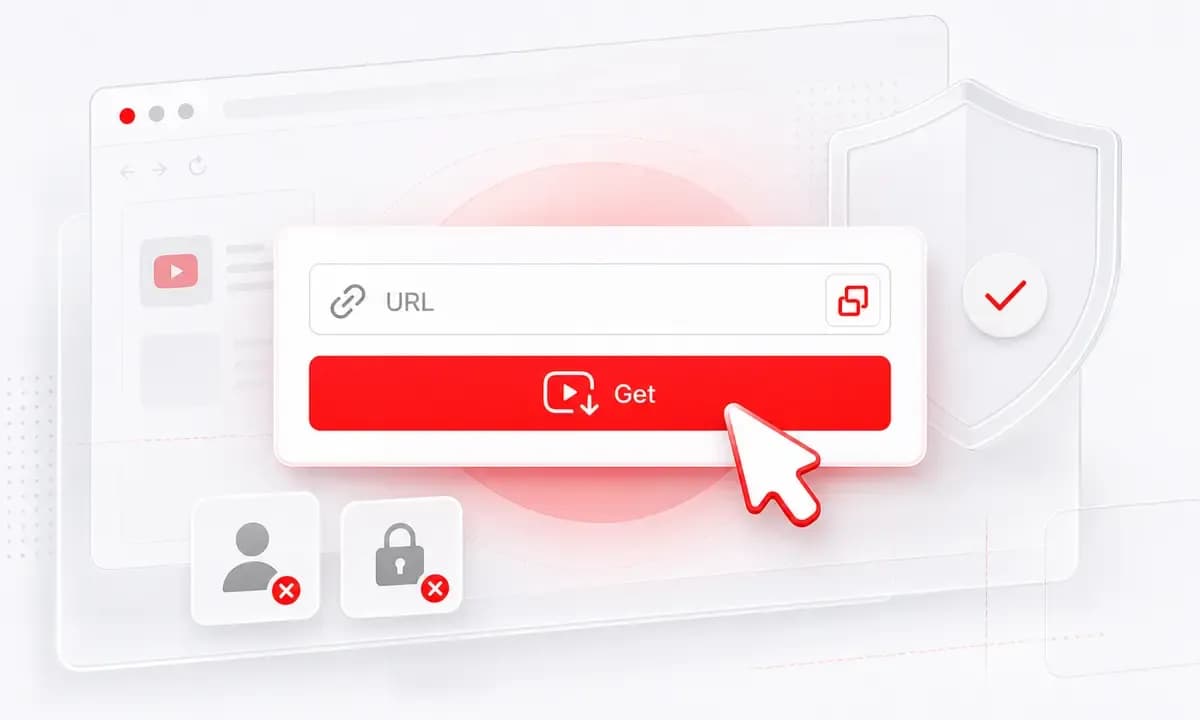
Use the downloader in a modern browser on iPhone, iPad, Android, Mac, or Windows. No app installation is required.
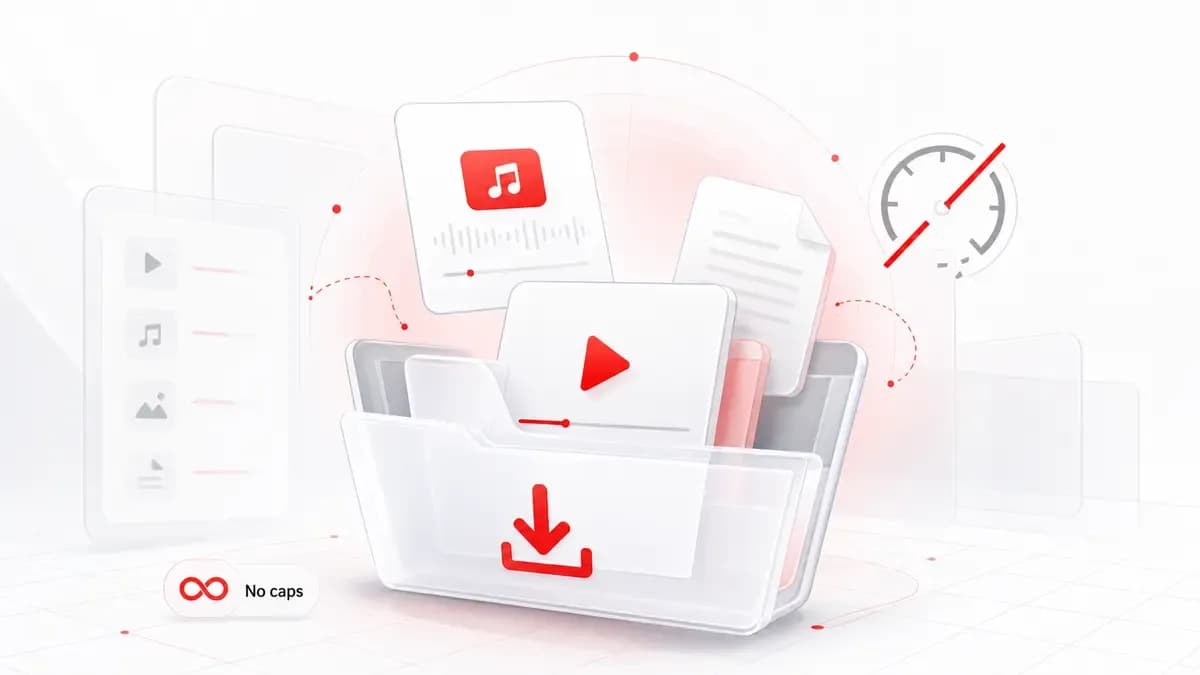
After processing, Lysave shows the formats and quality levels it can provide for that Short, including HD or 4K when the source allows.
Why choose Lysave?
A focused downloader experience for this specific YouTube saving task.

Use Lysave for quick clips, creator references, tutorials, explainers, and your own Shorts that you want to keep offline.

The page keeps responsible downloading clear: save content you own, public-domain content, or videos you are authorized to download.

Open the page, paste a YouTube Shorts URL or search by keyword, and start the download flow without an account.

The flow works well for people who find Shorts on their phone and want a browser-based way to process the link.
Features
Search, process, choose an available format, and download without installing anything.
Paste a public YouTube Shorts link into Lysave and click Get Video. If the Short can be processed, available download options appear.

When you do not have the exact link, search by creator, title, topic, or phrase and choose the matching video result.

Download available Shorts as MP4 files. For selected Shorts, audio-only MP3 or M4A options may also appear.
Shorts quality depends on the source upload. Lysave can show HD or 4K options only when those versions are available.

Process Shorts links in a modern mobile browser when you want an offline copy you are allowed to keep.

Use Lysave in Chrome, Safari, or another modern browser without installing a dedicated Shorts downloader.
How to
Start with a direct YouTube link, or search inside Lysave when you do not have the URL.
Copy the public YouTube Shorts link you are allowed to save.
Add the link to the input field and click Get Video.
Select an available MP4, MP3, or M4A option.
Search by creator name, title, phrase, or topic.
Review the video results and select the Short you want.
Choose the format and quality Lysave shows after processing.
Do not download copyrighted Shorts unless you own the content or have permission.
Use Lysave for personal, educational, creative, and permitted offline access.
Keep a local copy of your own uploads for editing notes, portfolio review, or content planning.
Download permitted micro-lessons, tips, and explainers for offline study when the creator or rights allow it.
Save authorized examples of short-form campaigns, creator posts, or product clips for team discussion.
Keep permitted Shorts available for low-data moments, flights, or commutes.
What our users say
People use Lysave when they need a simple way to search, process, and save available YouTube content.
"I use Lysave when I need to keep my own Shorts organized outside the app. The MP4 download flow is quick."
Noah B.Creator
"The iPhone browser experience is simple. I paste the Shorts link, wait for options, and save the file."
Mia R.Student
"It is useful for approved social examples. I can search, select the right clip, and download the available version."
Elena V.Marketer
"The permission reminder is helpful. It keeps the tool focused on content I am actually allowed to save."
Chris D.Educator
FAQ
Quick answers about formats, quality, devices, availability, and responsible downloads.
Yes. Lysave is free to use and does not require signup before starting the download flow.
Yes. Lysave works in modern mobile browsers on iPhone, iPad, Android phones, and tablets.
After a Short is processed, Lysave lists the quality options it can provide. HD or 4K depends on the original Short.
For selected videos, audio download options may be available as MP3 or M4A. Do not expect audio options for every Short.
Lysave is a browser-based online tool. You can use it in Chrome, but no Chrome extension is required.
It may be private, restricted, region-limited, live-only, unavailable, or unsupported.
No. Lysave works online in modern mobile and desktop browsers.
No. Lysave is an independent tool and is not endorsed by or sponsored by YouTube.