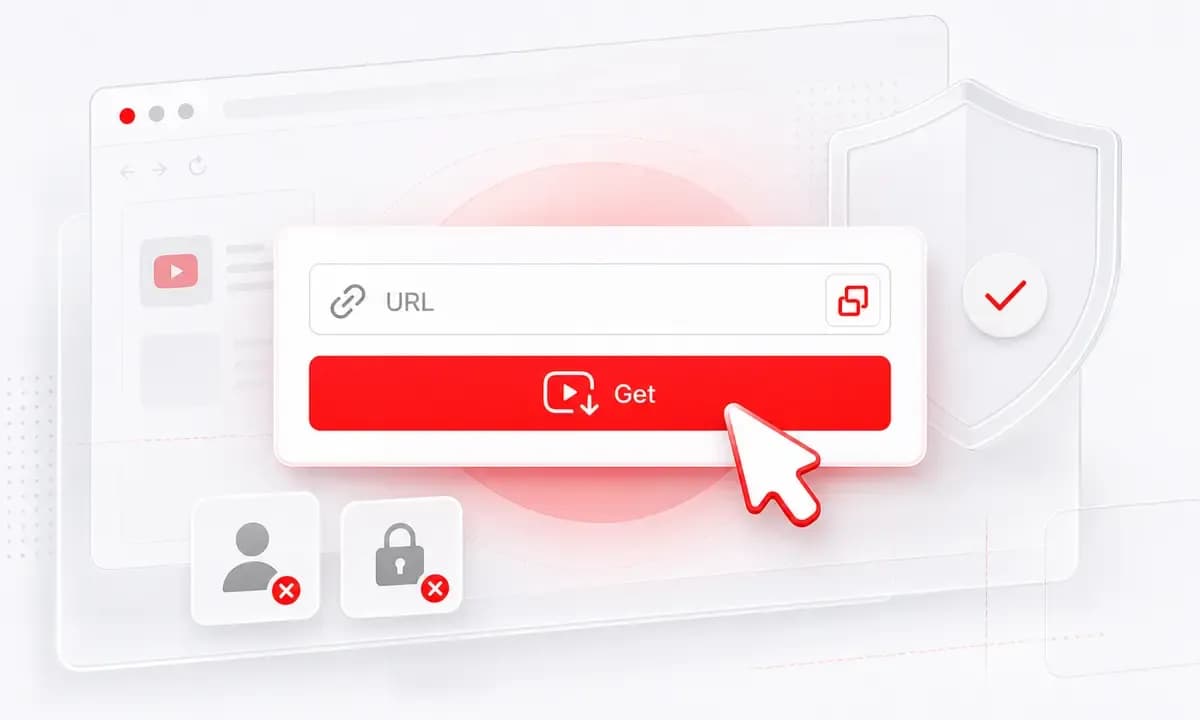
Paste a Shorts Link
Copy a public YouTube Shorts URL and let Lysave process the video before showing available MP4 options.
Convert supported YouTube Shorts to MP4 online for permitted offline saves and creator review.
Download responsibly. Ensure you have the right permissions.This service is an independent tool and is not affiliated with, endorsed by, or sponsored by YouTube or any other third-party platforms.Users are solely responsible for ensuring that their use of this service complies with all applicable laws, regulations, and platform terms, including copyright laws in their jurisdiction.This service is intended only for content that is owned by the user, is in the public domain, or is otherwise authorized for offline access or download. Unauthorized use of copyrighted material may violate applicable laws.By using this service, you acknowledge and accept full responsibility for your actions and usage.
Save supported Shorts as MP4 when you own the content, have permission, or are keeping public-domain material.
Copy a public YouTube Shorts URL and let Lysave process the video before showing available MP4 options.
When you do not have the link, search by title, creator, artist, or topic and choose the correct result.
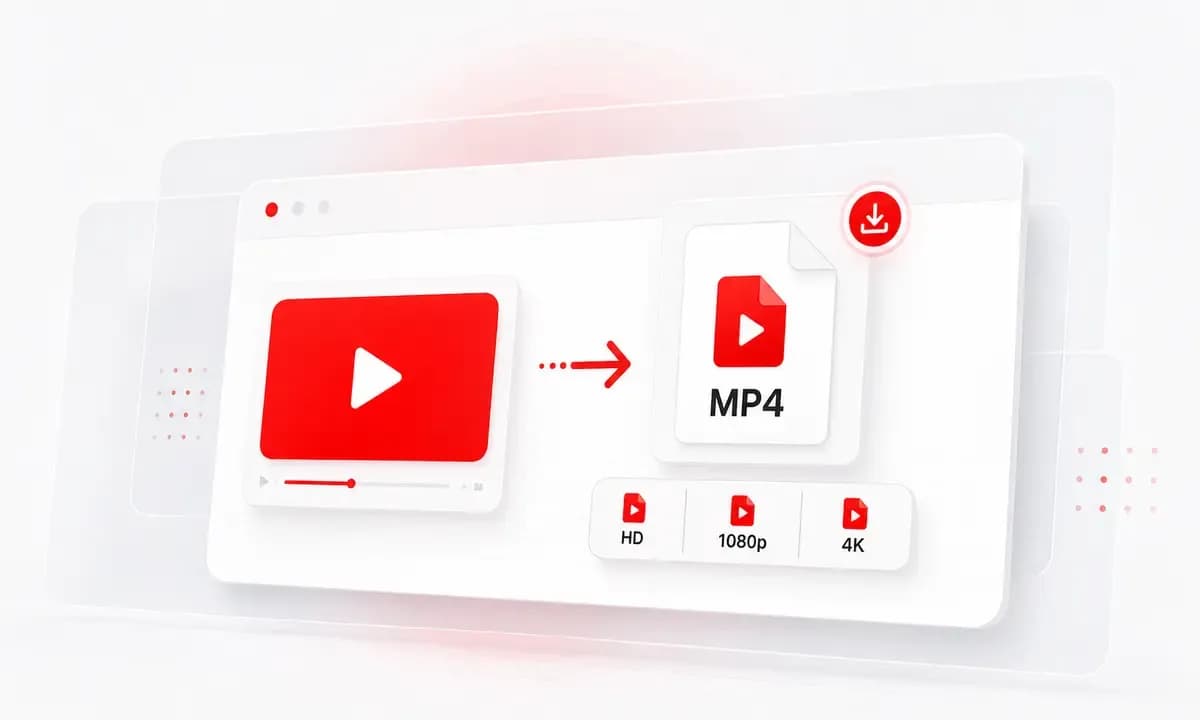
Download HD, 1080p, or 4K only when the original Short supports that quality and Lysave can show it.
Why choose Lysave?
Short-form videos often need quick offline review, especially for creators and teams working with approved content.

The page is focused on direct Shorts links, quick processing, and available MP4 downloads.

Save your own Shorts for editing notes, thumbnails, captions, repost planning, or archive checks.

Use Lysave on mobile or desktop without a Chrome extension, app install, or desktop downloader.

Download only Shorts you own, public-domain Shorts, or videos you have permission to keep offline.
Features
Designed for fast vertical-video saving while avoiding unsupported promises like built-in trimming.

Save supported YouTube Shorts as MP4 files when the video can be processed and an MP4 option is available.

Lysave does not upscale. 1080p or 4K appears only when the source Short provides that quality.

Paste a Shorts link from an iPhone, iPad, Android phone, tablet, Mac, or Windows browser.

Start from a direct Shorts URL, or search inside Lysave when you only remember the creator or topic.

Lysave focuses on downloading available Shorts to MP4. Trimming is not part of the current downloader workflow.

Some supported videos may also show MP3 or M4A, but this page focuses on MP4 video downloads.
Use illustrated steps for the Shorts workflow instead of the older how-to methods component.
Paste a YouTube Shorts link, or search in Lysave by title, creator, topic, or keyword.
Click Get Video and wait for Lysave to prepare the formats and qualities available for that Short.
Select an MP4 option, including HD, 1080p, or 4K when available, and download responsibly.
The strongest use cases are creator workflows, education clips, approved references, and offline review.
Keep MP4 copies of your own Shorts for reviewing hooks, captions, edits, and archive versions.
Save approved Shorts references for campaign notes, competitive review, and internal planning.
Keep permitted short lessons, explainers, or public-domain clips for offline classroom and study use.
Save Shorts you have permission to keep when you expect travel, low-data access, or unstable connections.
Reviews
Users like that the page is honest about quality, trimming, and source availability.
"I use it for my own Shorts when I want a quick MP4 copy before making edits or caption notes."
Lena H.Shorts creator
"The search option is helpful when a teammate sends a topic but not the exact Shorts link."
Owen T.Social media manager
"For approved educational Shorts, saving MP4 makes classroom prep easier when the connection is unreliable."
Camila R.Teacher
"The page does not promise fake 4K. It shows the quality the Short actually supports."
Noah K.Video analyst
FAQ
Answers about Shorts links, MP4 quality, 1080p, 4K, trimming, mobile use, and responsible downloads.
Yes, when the Short is public, supported, and available for Lysave to process, MP4 download options may appear.
1080p may appear only when the original Short provides a Full HD option and Lysave can show it after processing.
Only if the source Short supports 4K and the option is available. Lysave does not upscale lower-quality videos.
No. Lysave focuses on saving available Shorts as MP4. Trimming is not part of the current downloader workflow.
No. Lysave works in modern browsers, including Chrome and Safari, without a dedicated extension.
Yes. Use Lysave in a modern iPhone or iPad browser, paste the Shorts link, and choose an available MP4 option.
The Short may be private, restricted, region-limited, live-only, removed, unavailable, or unsupported.
Only save Shorts you own, public-domain Shorts, or Shorts you have permission to download. Respect copyright and platform terms.