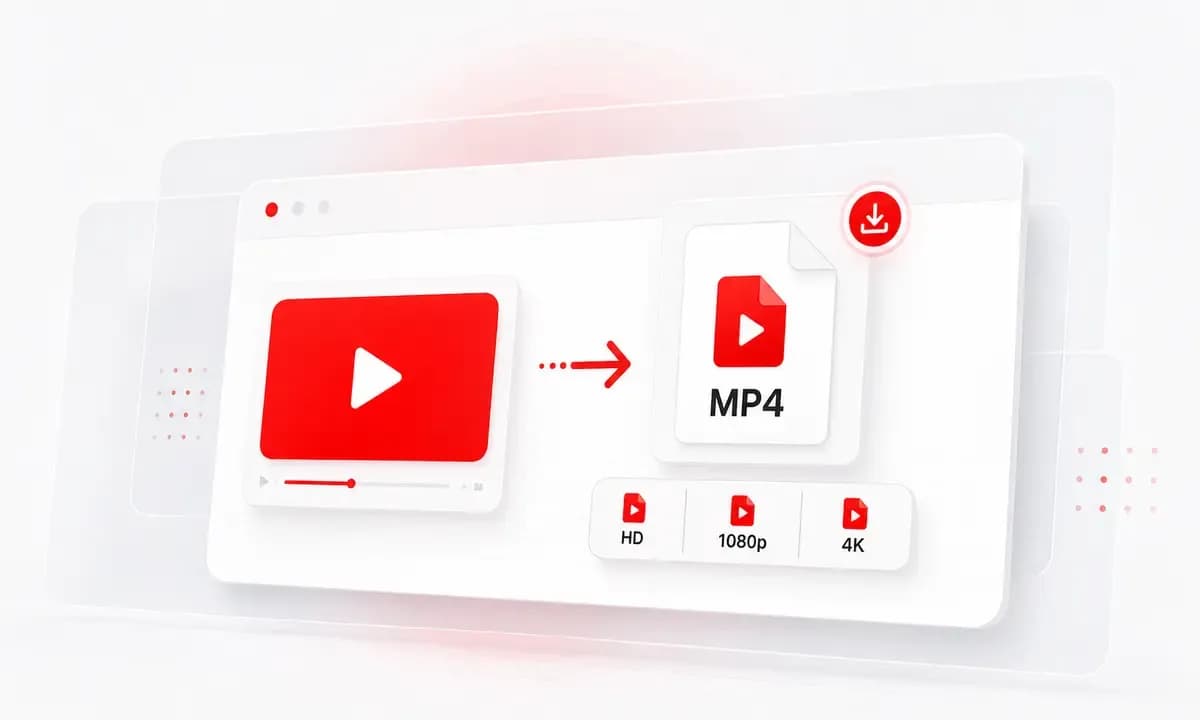
YouTube Link to MP3
Paste a public YouTube URL and let Lysave process the video before showing available audio download options.
Convert YouTube to MP3 online for permitted audio saves, lessons, talks, and reference listening.
Download responsibly. Ensure you have the right permissions.This service is an independent tool and is not affiliated with, endorsed by, or sponsored by YouTube or any other third-party platforms.Users are solely responsible for ensuring that their use of this service complies with all applicable laws, regulations, and platform terms, including copyright laws in their jurisdiction.This service is intended only for content that is owned by the user, is in the public domain, or is otherwise authorized for offline access or download. Unauthorized use of copyrighted material may violate applicable laws.By using this service, you acknowledge and accept full responsibility for your actions and usage.
Start from a YouTube link or keyword search, then save an available audio file when the source can be processed.
Paste a public YouTube URL and let Lysave process the video before showing available audio download options.
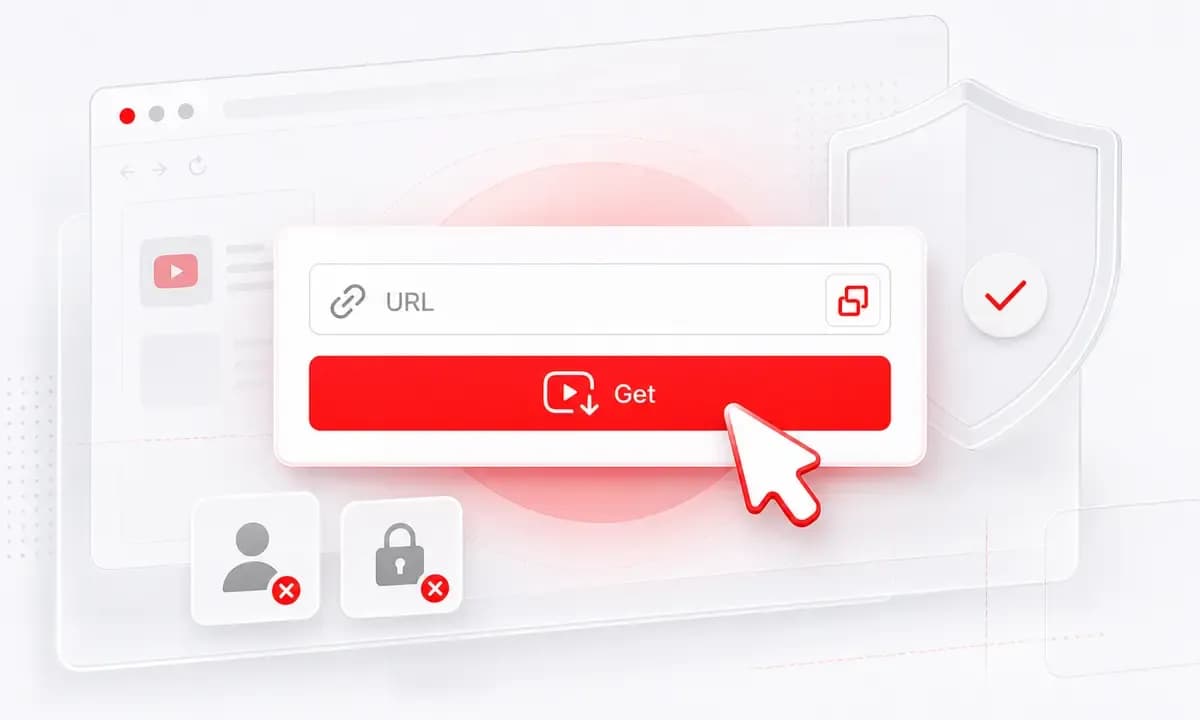
Do not have the exact link? Search by video title, creator, artist, or topic inside Lysave, then choose the matching result.
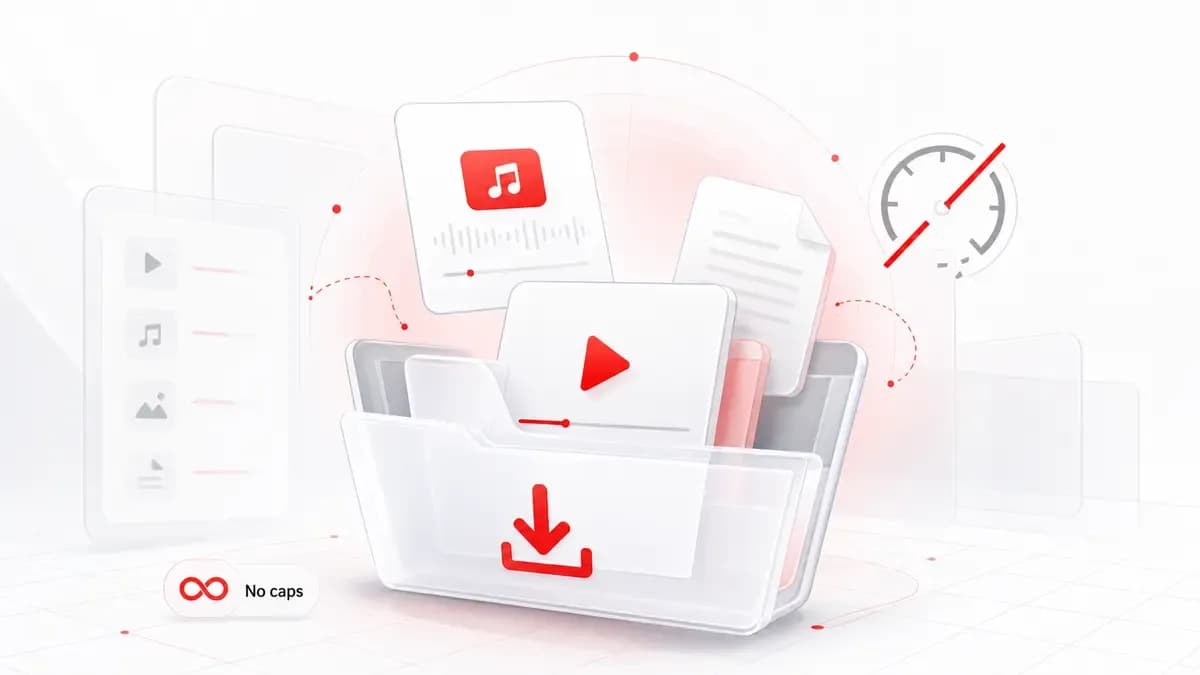
Lysave can show MP3 or M4A for selected videos. Audio availability depends on the source video and processing result.
Why choose Lysave?
A clean browser-based workflow for saving permitted YouTube audio without extra software.

Use Lysave in your browser without hidden fees, account setup, desktop software, or a separate converter app.

Save talks, lessons, interviews, tutorials, and your own uploads as audio when an audio option is available.

Use a direct YouTube link, or search first when you remember the topic but not the exact URL.

Only save content you own, public-domain material, or videos you have permission to download.
Features
Everything focuses on a simple link-to-audio path, with clear limits around availability and responsible use.

Process supported YouTube videos quickly and review audio choices once Lysave finishes reading the source.

Convert YouTube video to MP3 from Safari, Chrome, or another modern browser without installing an extension.

Use the YouTube to MP3 converter site on Mac, Windows, iPhone, iPad, Android, and tablets.

Choose MP3 or M4A when Lysave displays those options; if only video is available, the page will reflect that.

The flow stays focused on one input field, one processing step, and the available download options.

Audio quality depends on the original YouTube video and the formats Lysave can access after processing.
Use the illustrated steps below for a YouTube link to MP3 workflow without the old two-method component.
Paste a YouTube link, or search by title, artist, creator, or topic when you need to find the video first.
Click Get Video and wait for Lysave to read the supported source and prepare available download choices.
Choose an audio option when available, then save only content you are allowed to keep offline.
The page is written for practical, permission-based listening rather than broad music piracy intent.
Save permitted lectures, explainers, language lessons, or study material for offline listening.
Turn approved interviews, talks, hearings, or source clips into audio for review and annotation.
Download audio from your own uploads or approved assets before editing, archiving, or planning content.
Keep public-domain or permission-granted audio available for commutes, travel, and low-data moments.
Reviews
Users value the quick link-to-audio path and the clear reminder to download responsibly.
"I use Lysave when I need a permitted lecture as audio before a commute. Searching first saves me time."
Maya C.Student
"For my own uploads, the audio options are easy to spot after processing. It keeps the workflow simple."
Daniel R.Creator
"The permission-first wording is useful. I mostly save public talks and interviews for notes."
Sofia M.Research assistant
"I like using it on my phone because I can paste a YouTube link and check whether MP3 is available."
Arjun P.Language learner
FAQ
Answers about links, safety, legality, audio availability, devices, and download limits.
Yes. Lysave is free to use online, with no hidden subscription or signup step stated on the product page.
Only download content you own, public-domain content, or content you have permission to save. Always respect copyright and platform terms.
Yes. Paste a public YouTube link into Lysave and process it. MP3 or M4A appears only when audio options are available.
Yes. You can search by keyword, video title, creator, artist, or topic directly inside Lysave.
No. Some videos may only show video formats, or may be private, restricted, region-limited, live-only, unavailable, or unsupported.
Lysave is browser-based and does not require account creation or an extension. Use it only for permitted downloads.
No. Lysave is focused on supported online video links and search results, not local file upload conversion.
Yes. Lysave works in modern mobile browsers on iPhone, iPad, Android phones, and tablets.