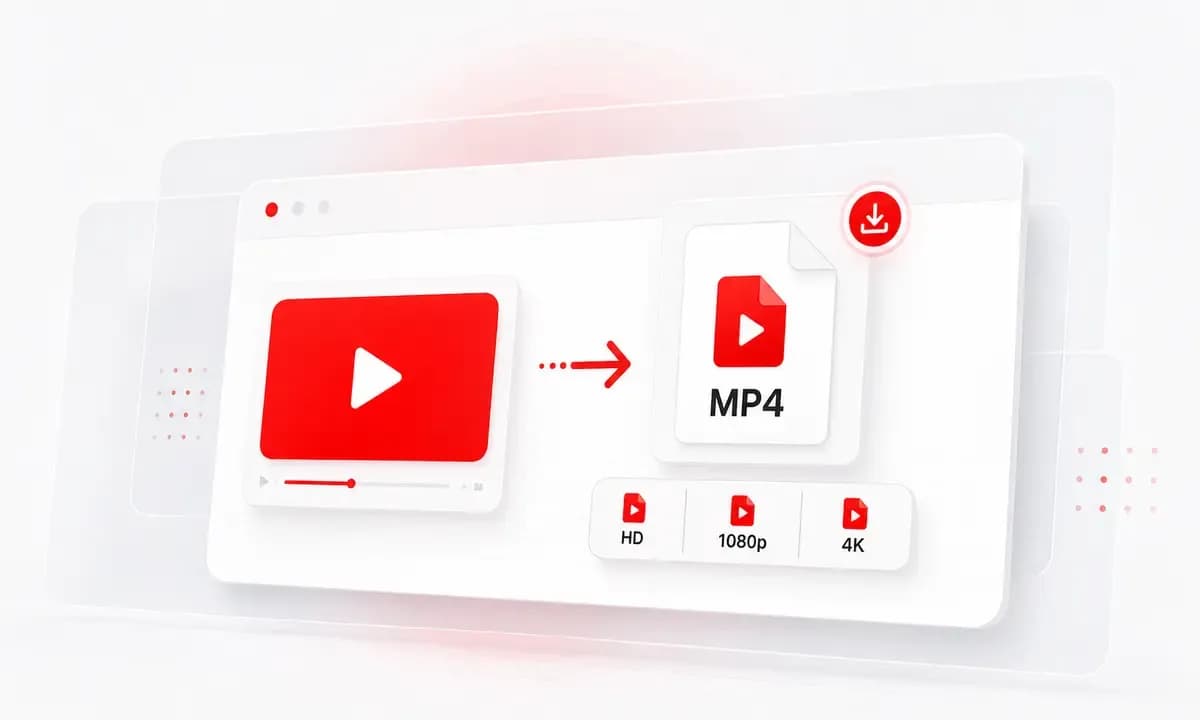
MP4 Files That Work Anywhere
Save available YouTube videos as MP4 files you can open on phones, laptops, tablets, media players, and editing tools without extra conversion steps.
Convert YouTube to MP4 online in available HD or 4K quality. Free, fast, and no signup.
Download responsibly. Ensure you have the right permissions.This service is an independent tool and is not affiliated with, endorsed by, or sponsored by YouTube or any other third-party platforms.Users are solely responsible for ensuring that their use of this service complies with all applicable laws, regulations, and platform terms, including copyright laws in their jurisdiction.This service is intended only for content that is owned by the user, is in the public domain, or is otherwise authorized for offline access or download. Unauthorized use of copyrighted material may violate applicable laws.By using this service, you acknowledge and accept full responsibility for your actions and usage.
Save available YouTube videos as MP4 files you can open on phones, laptops, tablets, media players, and editing tools without extra conversion steps.
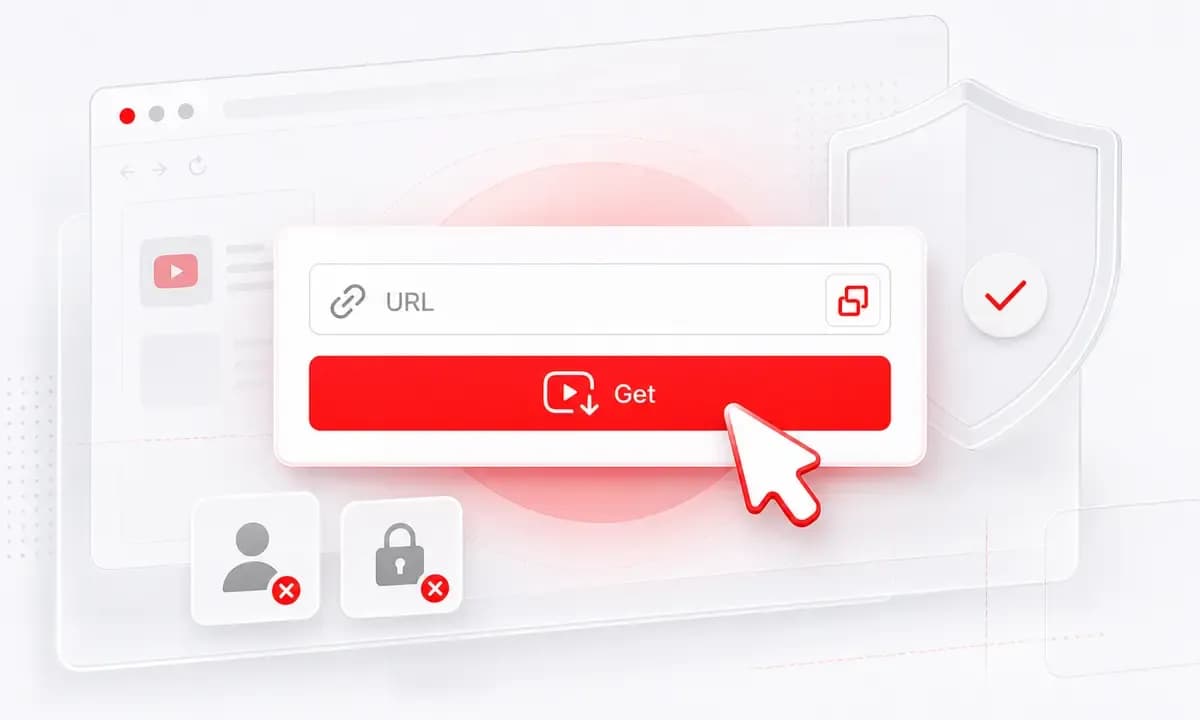
Already have the URL? Paste it directly. Still looking for the video? Search by title, creator, artist, or topic inside Lysave before choosing the result.
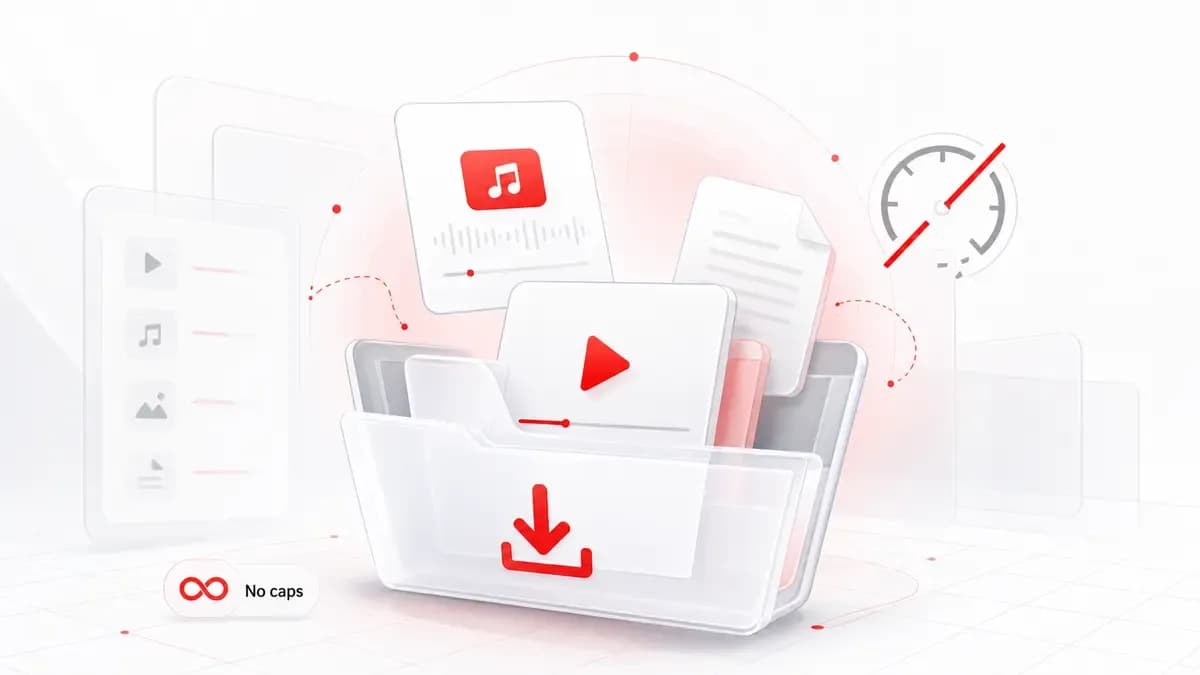
Lysave shows the MP4 quality choices available for the source video, from compact versions to HD, 1080p, or 4K when YouTube provides them.
Why choose Lysave?
A focused downloader experience for this specific YouTube saving task.

The page is focused on one practical job: take a YouTube link or search result and save the available video as an MP4 file.

Start the YouTube to MP4 download flow without creating an account, entering an email, or installing a browser extension.

Use Lysave even when you do not have the exact YouTube URL. Type a keyword, choose the right video, then download the MP4 option.

Pick from the formats and resolutions Lysave can show after processing. 4K, 1080p, and HD depend on the original video.
Features
Search, process, choose an available format, and download without installing anything.

Paste a YouTube link, click Get Video, and choose an available MP4 download option. This fits tutorials, lectures, your own uploads, and approved reference clips.

The input supports direct URLs and keyword search, so users can move from discovery to MP4 download without switching tools.

MP4 is the core video format. For selected videos, Lysave may also show MP3 or M4A audio options when audio-only downloads are available.

Use Lysave in modern browsers on Mac, Windows, iPhone, iPad, Android, and tablets. No desktop app or mobile app is required.

Use Lysave directly in a modern browser without desktop software, mobile apps, or extensions.

Convert YouTube to MP4 on Mac, Windows, iPhone, iPad, Android, and tablets.
How to
Start with a direct YouTube link, or search inside Lysave when you do not have the URL.
Type a video title, creator, artist, or topic into Lysave.
Browse the results and choose the YouTube video you want to save.
Pick an available MP4 quality and download the file.
Copy a public YouTube video link you are allowed to save.
Paste the link into the input field and click Get Video.
Choose an available MP4 option, then save it to your device.
Use MP4 downloads only for your own videos, public-domain material, or content where offline saving is authorized.
Use Lysave for personal, educational, creative, and permitted offline access.
Save permitted YouTube lessons, lectures, and tutorials as MP4 files for offline study or classroom preparation.
Download your own uploads or approved reference videos as MP4 files for review, editing notes, or archiving.
Keep permitted videos available when Wi-Fi is limited, mobile data is expensive, or playback needs to be offline.
Save approved speeches, interviews, public-domain clips, or source material as MP4 files for citation and review.
What our users say
People use Lysave when they need a simple way to search, process, and save available YouTube content.
"The MP4 option is easy to find after the video loads. I paste a link, choose the quality, and save the file without installing anything."
Lena M.Student
"I use it for my own channel videos when I need a quick MP4 copy for editing notes. The workflow is simple and clean."
Marco T.Creator
"Search inside the tool helps when I remember a title but do not have the URL. It turns discovery into an MP4 download quickly."
Priya S.Research assistant
"On my phone, the page feels light. I can save a permitted MP4 before a trip and watch it offline later."
Jordan K.Consultant
FAQ
Quick answers about formats, quality, devices, availability, and responsible downloads.
Yes. Lysave is free to use, with no hidden fees or subscriptions stated on the product page.
Lysave shows available MP4 quality options after processing. 1080p or 4K may appear when the original video supports those qualities.
No. You can paste a direct YouTube URL or search by keyword, title, artist, or creator inside Lysave.
Lysave is built for YouTube links and search. If a Short is public, supported, and available to process, MP4 options may be shown.
MP4 may not appear if the video is private, restricted, region-limited, live-only, unavailable, or unsupported.
Save MP4 files only when you own the video, the content is public domain, or you have permission. Copyright and platform terms still apply.
Yes. Lysave works in modern mobile browsers on iPhone, iPad, Android phones, and tablets.
No. Lysave is an independent tool and is not endorsed by or sponsored by YouTube.